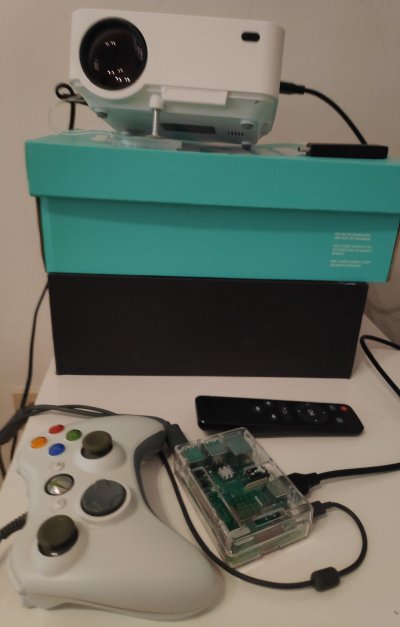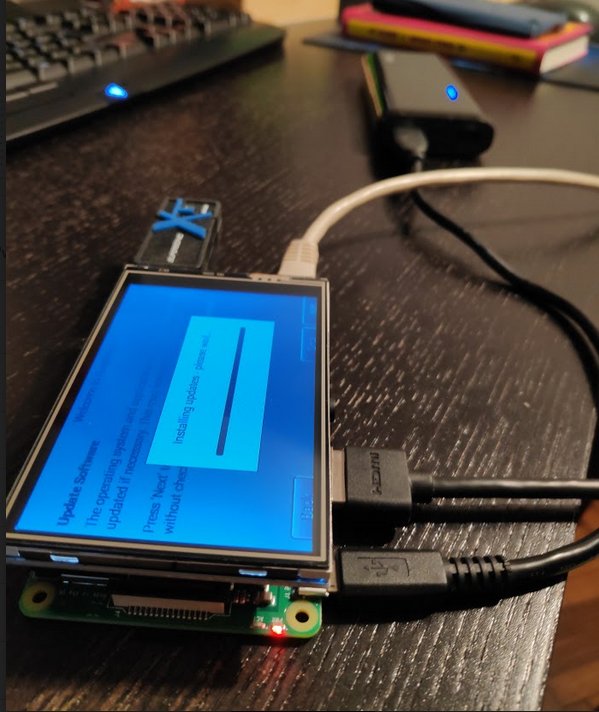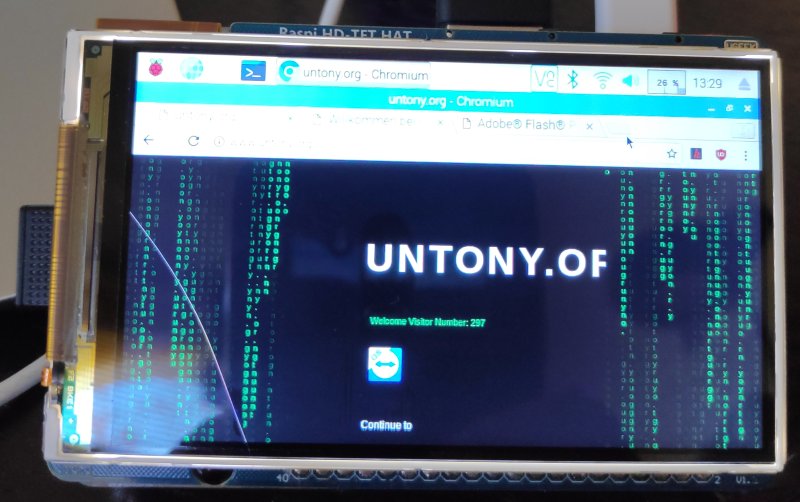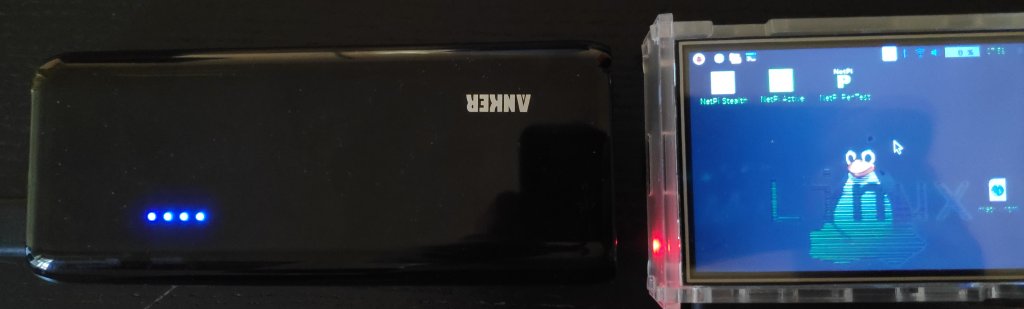
Recieved 2 additional Raspis and couldnt’stop setting them up unfortunately the display ordered was broken so i didnt build the mobile RetroPi. So I tried it with my cheap china beamer:


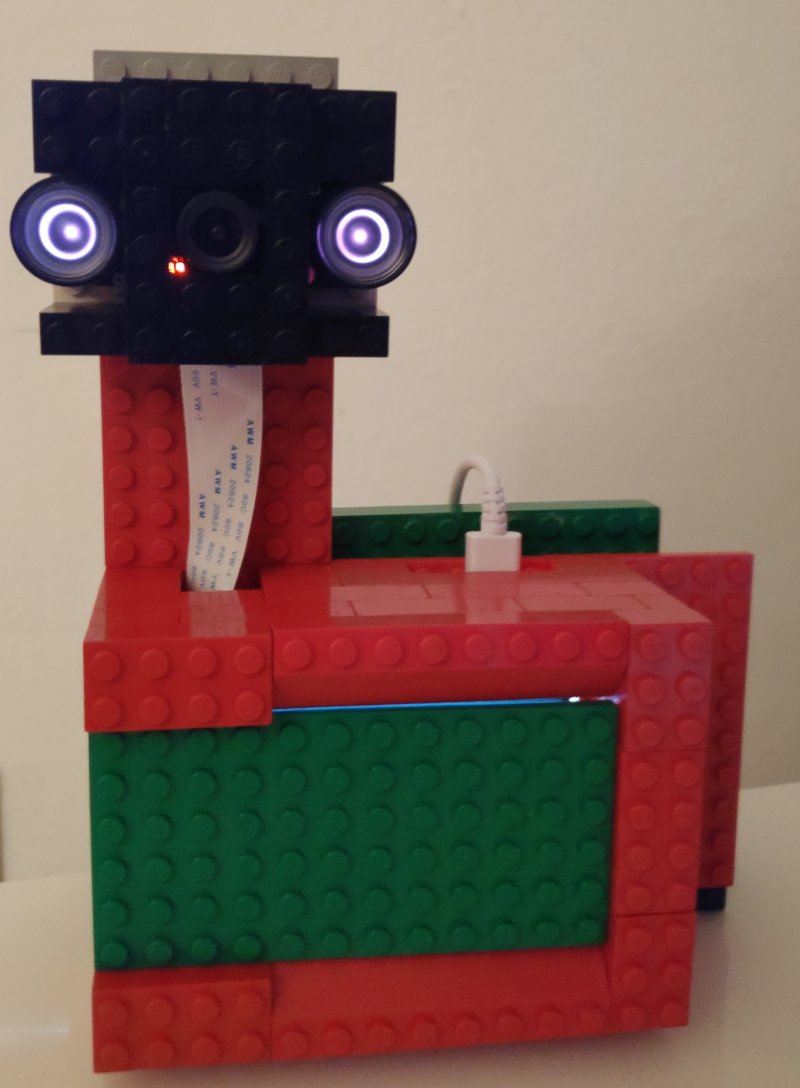
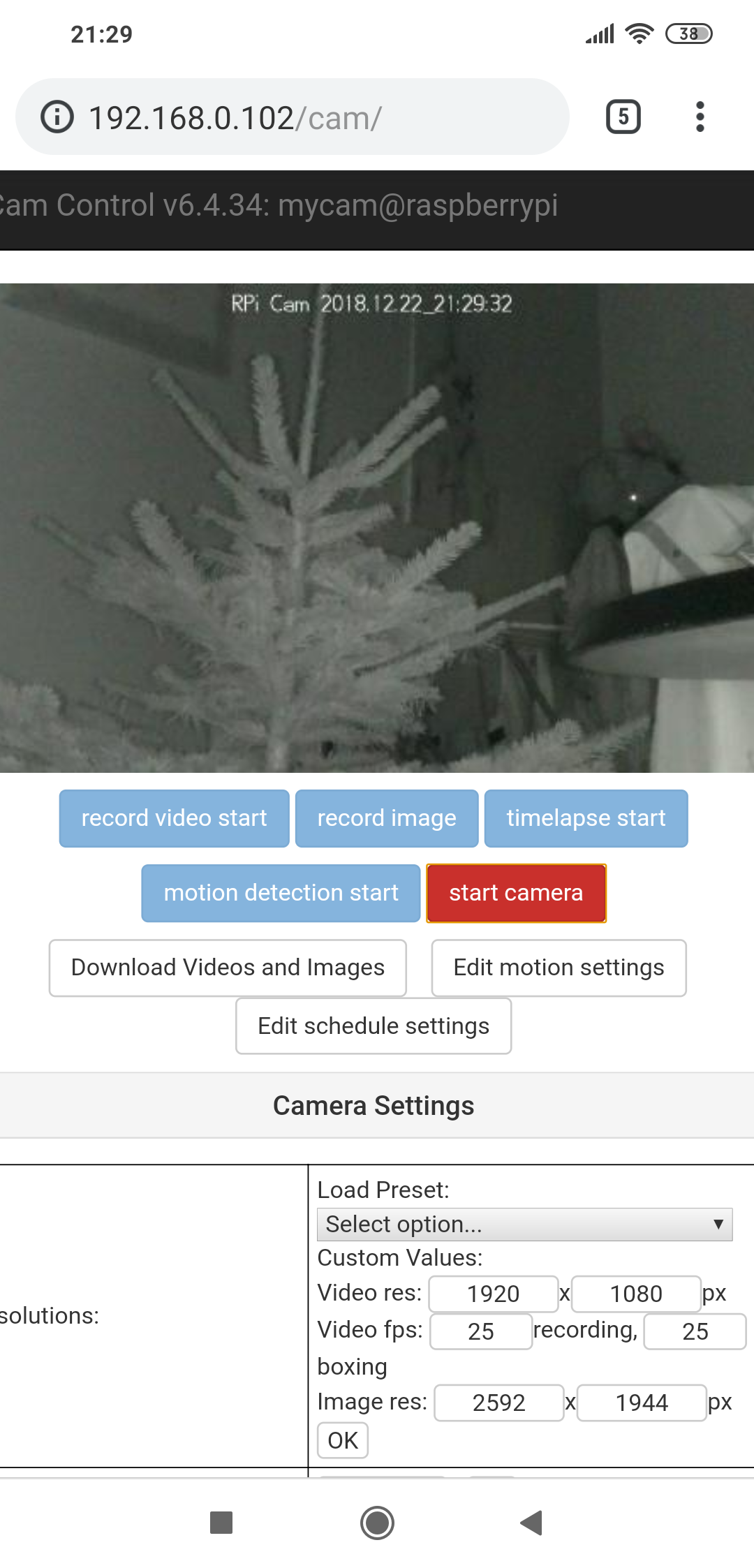
Longrunner Cam with Raspberry and self build Lego Case.


Unfortunately broken display (Raspi HD TFT Hat 800×480).

But a 10″ touch screen and case arrived

4+

Kuman Raspberry Pi 3.5

+ Raspberry Pi 3 B+

+ Anker PowerBar (10000 mAh)

Installed NetPi Image from: https://drive.google.com/drive/folders/1pCzC8NRPJU0gfBHewlNSo_Z0O3xk7fbY

see also:

http://www.blamethenetwork.com/netpiplus/

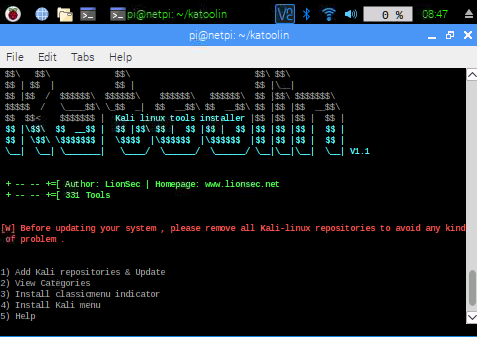
Install additional Kali-Tools

apt-get install git
# git clone https://github.com/LionSec/katoolin.git  && sudo cp katoolin/katoolin.py /usr/bin/katoolin
chmod +x /usr/bin/katoolin
katoolin

establish remote ssh-connection via ssh reverse tunnel (provides ssh-connection to rasp in a network via a server/device with a public ip)

on the raspberry:

ssh -R 2222:localhost:22 loginOfServerIP@ServerIP
on server side to connect back to raspberry:

ssh -p 2222 loginOfComputerWithoutPublicIP@localhost

verify usage of autossh  if regularely needed

3+

mysql::db do failed: MySQL server has gone away at ./inclibdb.pm line 1848

Solved by

set a higher value for wait_timeout and connect_timeout in my.cnf

from the MySQL Documentation

  • wait_timeout : The number of seconds the server waits for activity on a noninteractive connection before closing it.
  • connect_timeout : The number of seconds that the mysqld server waits for a connect packet before responding with Bad handshake

EXAMPLES

  • If wait_timeout is 1800 (30 Minutes), the DB Connection will close in 30 minutes if the connection is idle (indicated by Sleep in the command column of the processlist).
  • If connect_timeout is 10, then mysqld will reject you if you cannot login (authenticate) in 10 seconds.
2+

Kernel Panic after yum upgrade to kernel 3.10.0-957.1.3.el7.x86_64 ona Centos 7 VM:

– booted old kernel
– no initramfs-3.10.0-957.1.3.el7.x86_64.img in /boot

Solved by

– yum remove kernel-3.10.0-957.1.3.el7.x86_64

– verify uninstallation

rpm -qa | grep kernel | sort

– reinstall

yum install kernel-3.10.0-957.1.3.el7.x86_64

– verify again, check initramfs creation in /boot

rpm -qa | grep kernel | sort
ls -la /boot/initram

reboot into new kernel

see also: https://ma.ttias.be/reinstall-the-linux-kernel-on-centos-or-rhel/

1+

Send mail via sendmail

vi /tmp/email.txt

Insert

Subject: Terminal Email Send
Email Content line 1
Email Content line 2

(ESC)wq(ENTER)

sendmail user@example.com < /tmp/email.txt

Quick and dirty, with subject only:

mail -s "Test Subject" user@example.com < /dev/null

Faking Mails with cutomized sender:

mail -s "Everything possible" -aFrom:bill.gargantur@iliketobeanemailfaker.com recipient@maildomain.com < /dev/null

*Will be delivered into spamfolder or not delivered cause SPF checks that mailsender is not authorized sender of the maildomain –> only if accurate spamsolution/SPF is implemented on recipient side

Install/Config sendmail
for just relay edit /etc/mail/sendmail.cf and add:

"Smart" relay host (may be null)

DSrelay.example.com

or if ip based:

"Smart" relay host (may be null)
DS[10.10.10.10]

of course relay host must permit this.

2+

If you ever wanted an automation when a process is not running it is just a small script helping to achieve this:

check_process.sh (dont forget to make it executable)

check_process() {
  echo "$ts: checking $1"
  [ "$1" = "" ]  && return 0
  [ `pgrep -f $1` ] && return 1 || return 0 
#pgrep -n if process-name match exactly
}

while [ 1 ]; do
  # timestamp
  ts=`date +%T`
  echo "$ts: begin checking..."
  check_process "myprog.pl"
  [ $? -eq 0 ] && echo "$ts: not running, restarting..." && `/usr/bin/perl /home/me/myprog.pl >/dev/null`
sleep 10

done

You can also send yourself a mail instead of just starting process instead of

/usr/bin/perl /home/me/myprog.pl

do

echo "Subject: Process is stopped" | sendmail yourmail@mail.com

If you want to run this in background do

nohup check_process.sh &

or you can put this on startup via cronjob

crontab -e

@reboot root /home/me/check_process.sh

Origin/Source: https://stackoverflow.com/questions/7708715/check-if-program-is-running-with-bash-shell-script

3+

Lack of free space? just type in

du -sk *|sort -n

on /

or any folder you like. You will get an information about space occupation where you can investigate further.

Sample output:

0 fastboot
0 proc
0 sys
4 boot
4 dev
4 lib64
4 media
4 mnt
4 srv
8 aquota.user
8 home
12 aquota.group
16 lost+found
120 tmp
644 run
6080 bin
7244 sbin
8544 etc
29076 lib
1345892 opt
1364796 usr
3028736 root
12280360 var
3+

The Yellowdog Updater, Modified (YUM) is a libre and open-source command-line packagemanagement utility for computers running the GNU/Linux operating system.
Display yum commands and options
yum help
List all available packages
yum list available
List all installed packages
yum list installed
List installed and available packages
yum list all
List installed and available kernel packages
yum list kernel
List info about vsftpd package
yum info vsftpd
List dependencies and packages providing them
yum deplist nfs-utils
Show package that contains top command
yum provides “*bin/top”
Find packages with samba in name or description
yum search samba
Get info on available security updates
yum updateinfo security

Query repositories for available package updates

yum check-update
Download (no install) vsftpd package to cache (/var/cache/yum/arch/prod/repo/)
yum install --downloadonly vsftpd
Install the vsftpd package
yum install vsftpd
Update the httpd package (if available)
yum update httpd
Apply security-related package updates
yum update --security
Remove httpd and other unneeded packages
yum autoremove httpd
Remove the vsftpd package and dependencies
yum remove vsftpd
Downgrade the abc package to an earlier version
yum downgrade abc
Delete packages saved in cache
yum clean packages
List installed RPM packages and statistics
show-installed
2+