Endless Space 2 is out of Early Access/Alpha Stage, it was released on 19th May with a new Fraction (Unfallen). Gameplay did not really changed from the latest versions in Alpha stage and some promised Features were not released (e.g. Fighters for Carriers). Also some of the explosions in Combat view still looks buggy (ship disappears). I’m cautious if this will get fixed (and features will get implemented) with patches… or if they will make an addon($-))…

4+

If a virtual machine on your Host doesnt respond and you cannot kill/power it off, KILL it:

  • enable SSH on the ESX-Host
  • Connect via SSH to the ESX-Host
  • Enter the command „esxcli vm process list“ and note the World-ID of the unsresponsive VM
  • With this World-ID you can kill the process of the Virtual machine: esxcli vm process kill –type=soft –world-id 1077499
  • If it doesnt get killed soft, try it with hard or force

also mentioned here: http://kb.vmware.com/selfservice/microsites/search.do?language=en_US&cmd=displayKC&externalId=1014165


3+

Screen Recording with MSI Afterburner and RivaTunerStatisticsServer

Software which is (also) capable of DirectX 12 Recording seem to be found.
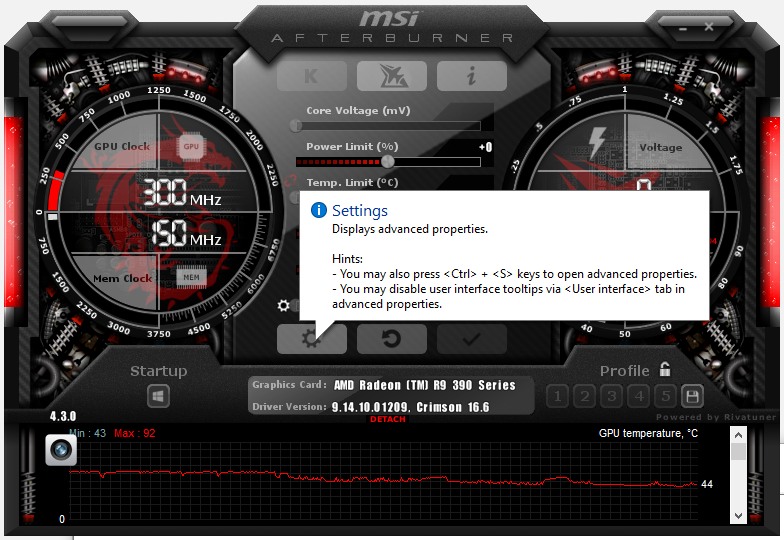
MSI Afterburner  (which includes RivaTunerStatisticsServer Ver. 6.5.1 ) is able to record DirectX 12 games (e.g. Battlefield 1)

Here is the evidence:

MSI Afterburner is available completely free of charge and can be used with graphics cards from all brands.

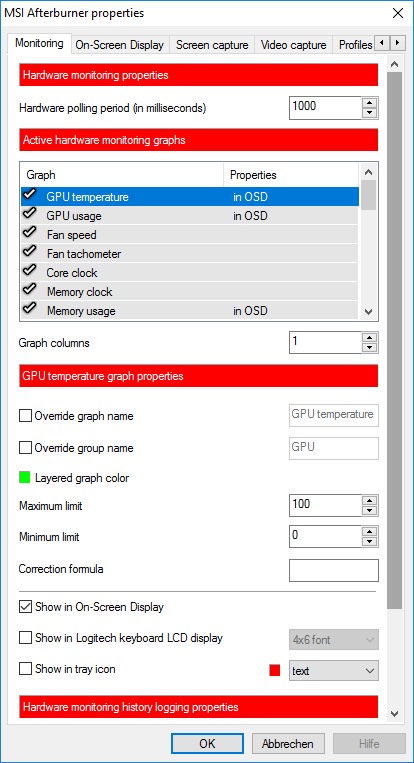
  • To Set Up Screen Recording in Afterburner go to Settings

  • Navigate to Video Capture and set a hotkey.

You can also display FPS, CPU, GPU, Temps etc. under „Monitoring“

Available here for Download: https://de.msi.com/page/afterburner

0

Some time ago i was a big fan of the Google Nexus Devices. I owned the Galaxy Nexus, Nexus S and LG Nexus 5. Great devices with a good price/quality ratio.

So 2013 I bought a Neuxs 7 (2013) from ASUS. 1 year I was very satisfied with it until it bricked after an android update:

I’ve posted a coment on productreviews.google.com https://productforums.google.com/forum/#!topic/nexus/nPOYCumV-Yw

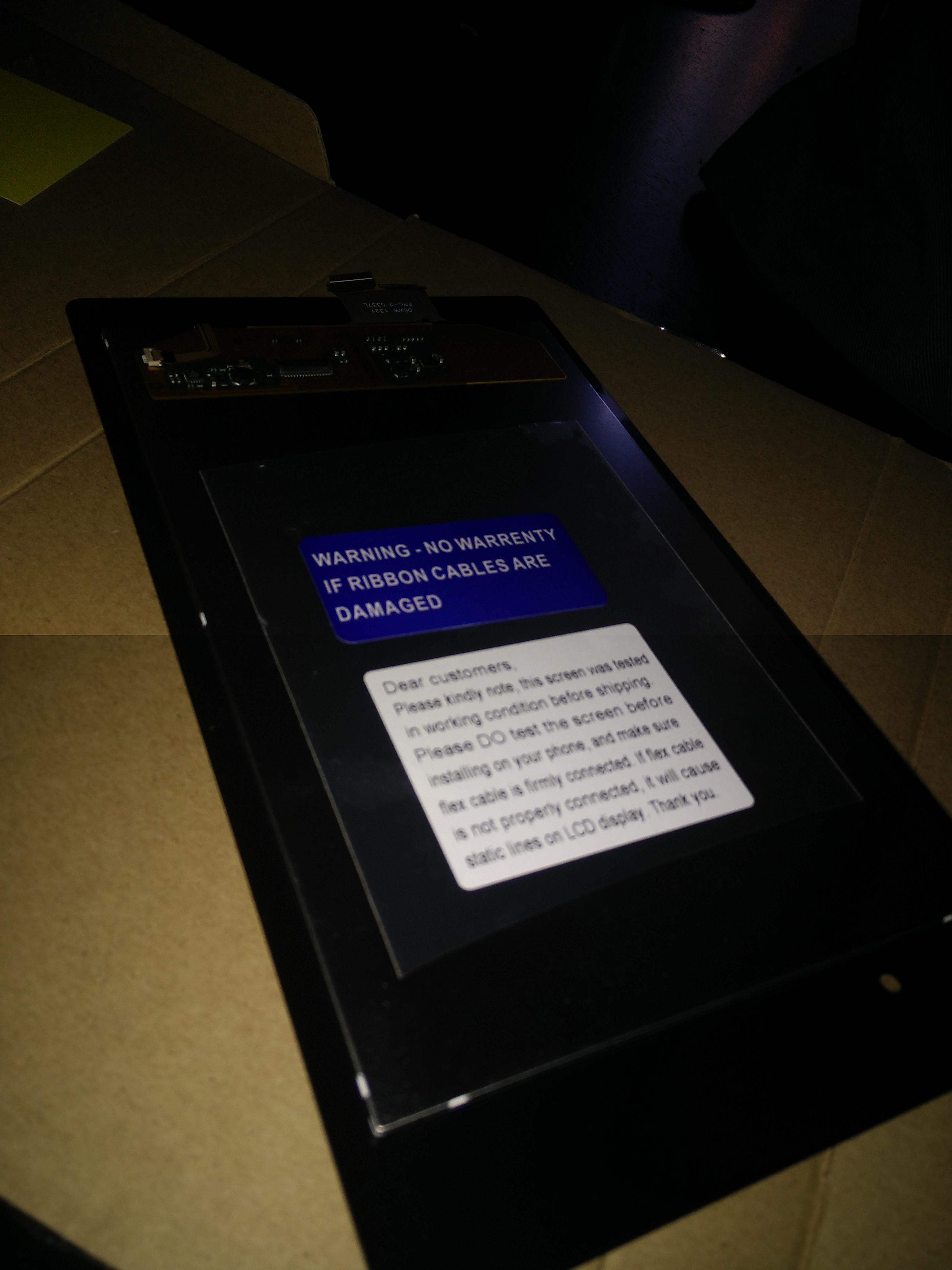
but i had warranty and i sent it back to ASUS for fixing it. I got it back with a fixed Mainboard-Chip. OK i thought and moved on… 1 year later the display bricked. I bought a new display at amazon and fixed the issue:
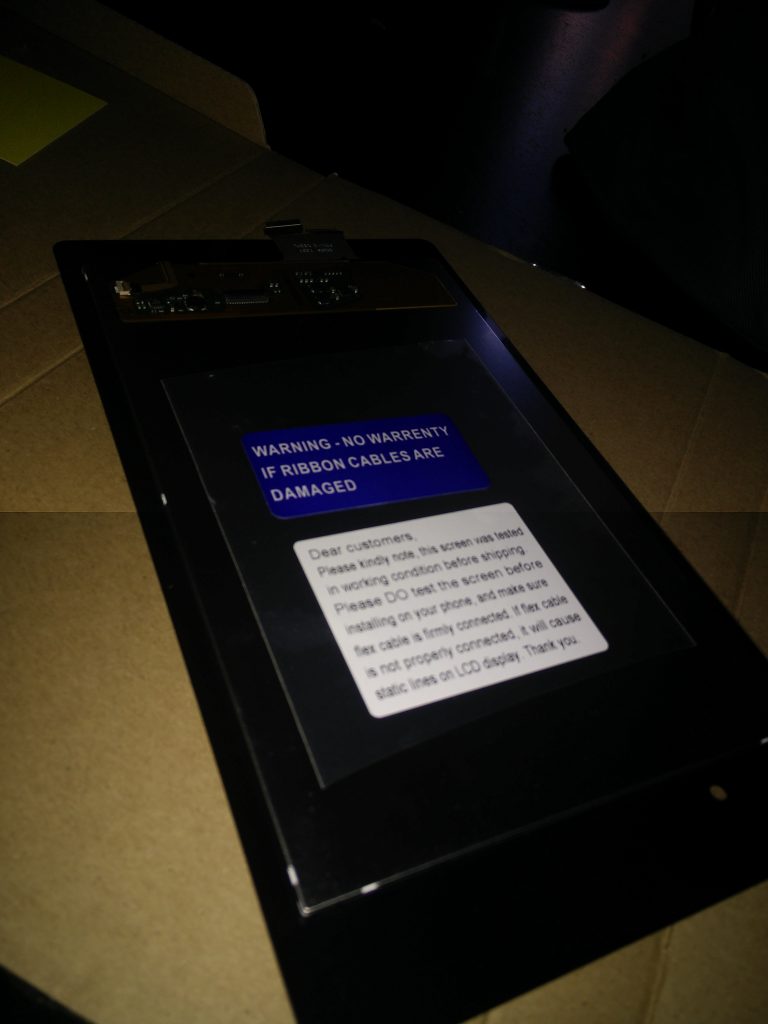
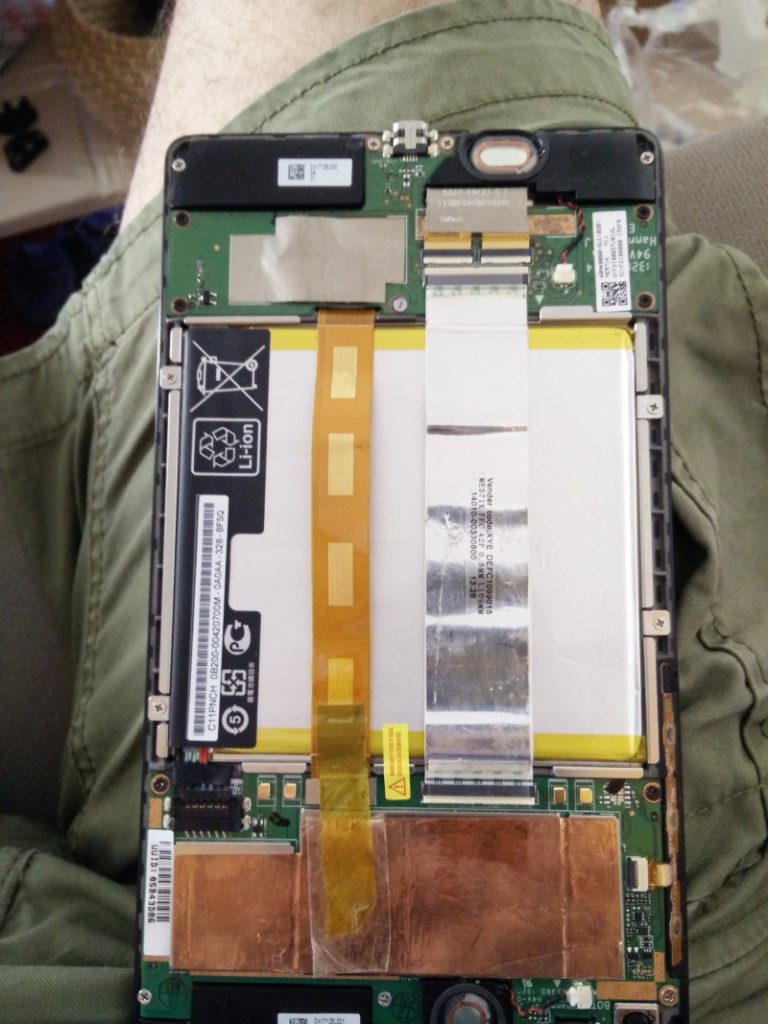
After fixing it I was lucky and calm, i enjoyed the spirit of a  self-repair-session.

I bought a new case/bumper for the Nexus so that this issue will never happen again. A cool case at amazon…. nevermind. I thought it will be safe… but i forgot the enemy within ….

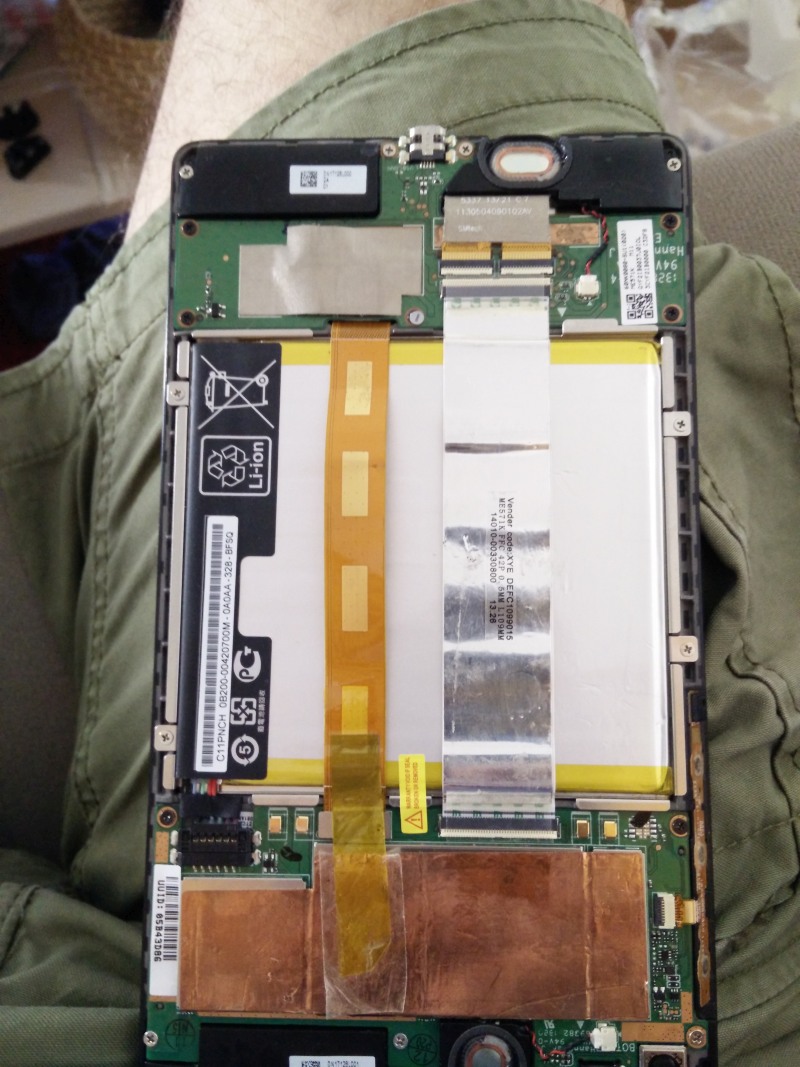
I enjoyed the tablet, planned to implement it in the car for a cool navigation solution… Then again a new system update popped up ….. and the bootloop happened again.. F*cking update-greed. I spent several hours to fix  it (recreated partitions, installed several images but the internal memory seem to be unaccessible). A Nexus Deja Vu… but now warranty is GONE….
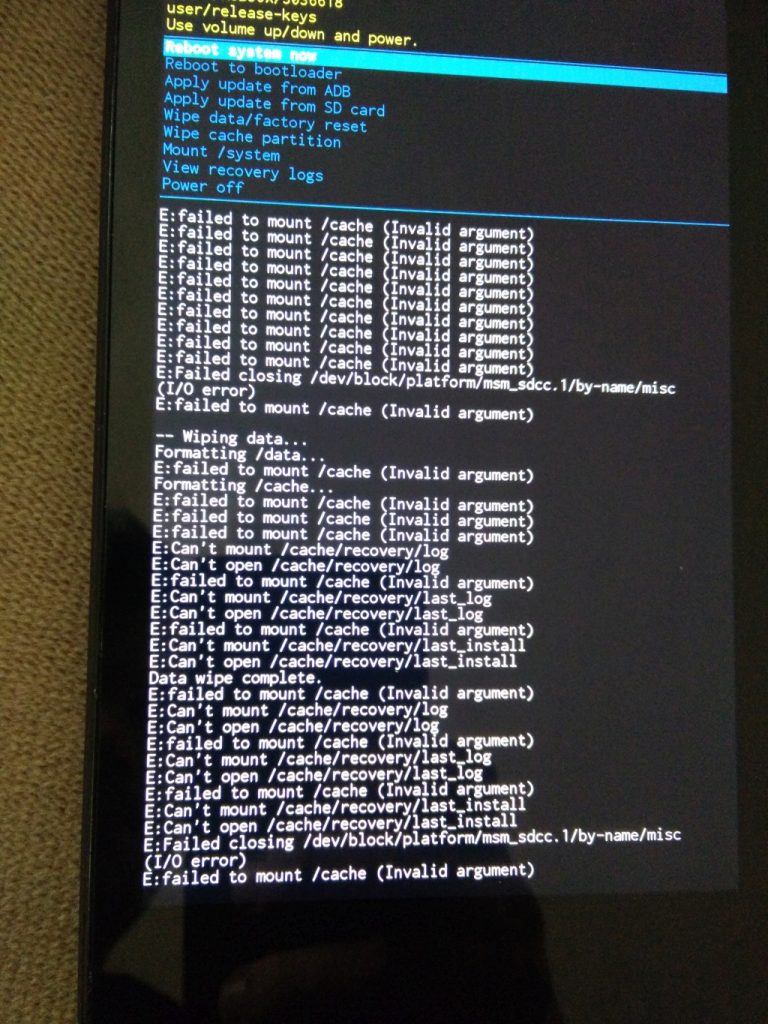
So my conclusion. Nexus Devices were cool… then. As the prices rises, and the quality decrease… better look for alternatives.

0

Time4Time app revived with local stored content. Needs to be redesigned..

AndroidManifest.xml

<?xml version="1.0" encoding="utf-8"?>

<manifest xmlns:android="http://schemas.android.com/apk/res/android"
    package="org.untony.webview"
    android:versionCode="1"
    android:versionName="1.0" >
    <uses-sdk android:minSdkVersion="4" />

    <uses-permission android:name="android.permission.INTERNET" />
    <application
        android:icon="@drawable/ic_launcher"
        android:label="@string/app_name" >
        <activity
            android:name=".Main"
            android:label="@string/app_name" >
            <intent-filter>
                <action android:name="android.intent.action.MAIN" />
                <category android:name="android.intent.category.LAUNCHER" />
            </intent-filter>
        </activity>
    </application>
</manifest>

Main.java

package org.untony.webview;

import android.app.Activity;
import android.os.Bundle;
import android.webkit.WebView;
import android.webkit.WebViewClient;

public class Main extends Activity {

    /** Called when the activity is first created. */

    @Override

    public void onCreate(Bundle savedInstanceState) {
        super.onCreate(savedInstanceState);

        setContentView(R.layout.main);

        WebView wv = (WebView)findViewById(R.id.my_webview);

        wv.setWebViewClient(new WebViewClient() {

            @Override

            public boolean shouldOverrideUrlLoading(WebView view, String url) {

                view.loadUrl(url);

                return true;

            }

        });
        /** wv.loadDataWithBaseURL("file:///android_asset/index.html", data (muesste als string definiert werden, "text/html", "UTF-8", null); */
        wv.loadUrl("file:///android_asset/index.html");


    }
}

main.xml

<?xml version="1.0" encoding="utf-8"?>
<LinearLayout xmlns:android="http://schemas.android.com/apk/res/android"
    android:layout_width="fill_parent"
    android:layout_height="fill_parent"
    android:orientation="vertical" >
    <TextView
        android:layout_width="fill_parent"
        android:layout_height="wrap_content"
        android:text="Der Langsamste, der sein Ziel nicht aus den Augen verliert, geht noch immer geschwinder als jener, der ohne Ziel umherirrt."
        android:layout_weight=".1"
        android:textSize="10sp" />
    <WebView
        android:layout_width="fill_parent"
        android:layout_height="wrap_content"
        android:id="@+id/my_webview"
        android:layout_weight="10"
        android:layout_margin="0dip"/>
    <TextView
        android:layout_width="fill_parent"
        android:layout_height="wrap_content"
        android:layout_weight="0"
        android:gravity="bottom"/>
</LinearLayout>


0

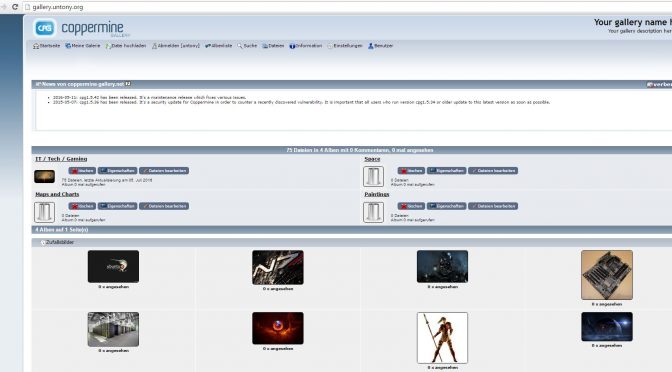
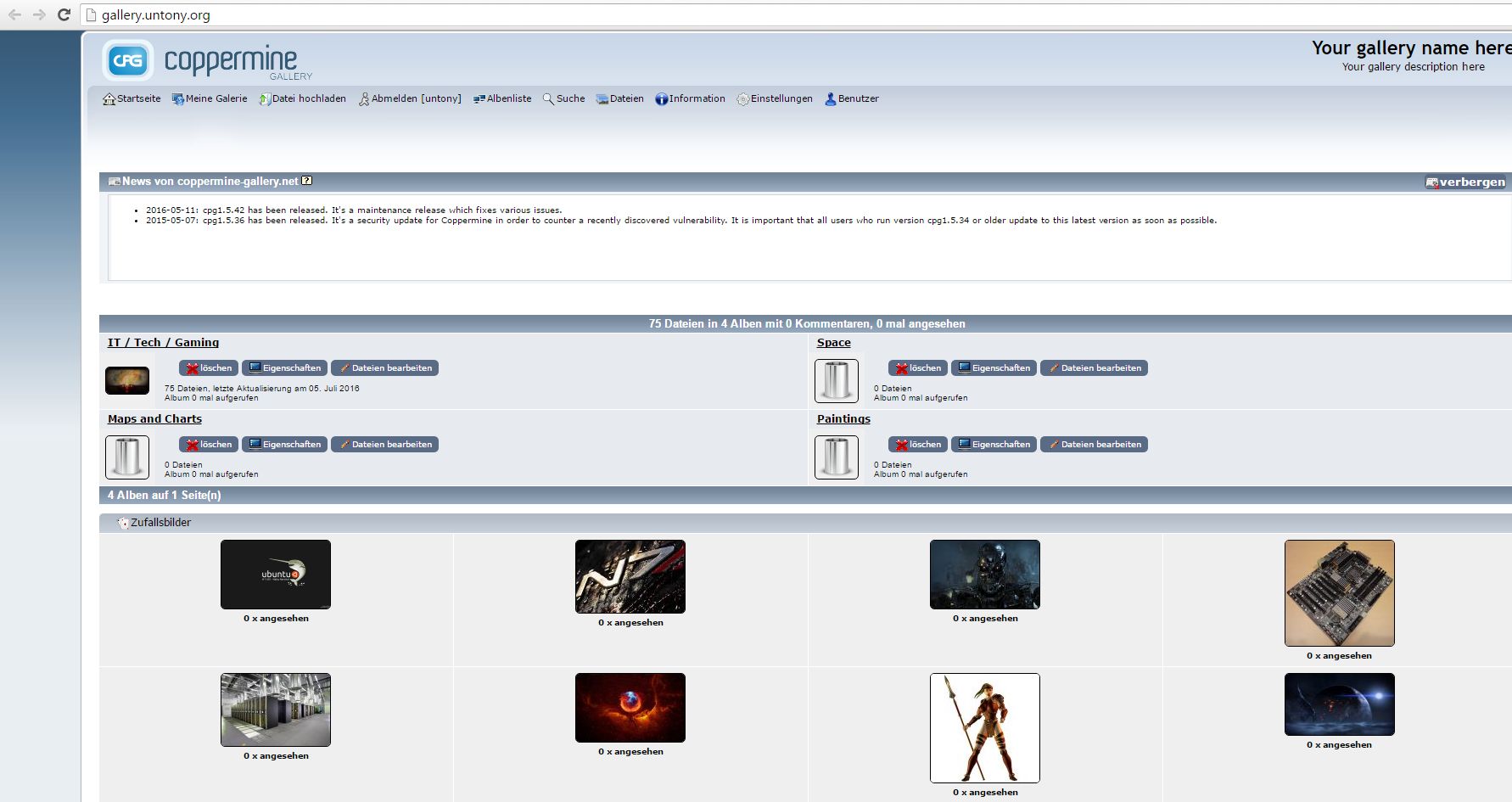
Test des Gallerie Plugins von Word Press:

for more check http://gallery.untony.org

0